












Guides
Want to try a quick check first?
Short checks for the problems we see on visits. If that doesn't fix it, the matching repair is at the bottom, with the real starting price.

6 min
PS5 has no picture: cable, TV, or HDMI port
A PlayStation 5 that beeps and shows a black screen is often the cable or the TV input. Here is how to tell that apart from a broken HDMI port before anyone opens the console.
Read the guide

5 min
iPhone screen repair: LCD, OLED, or OEM
A cracked iPhone screen can be replaced with an LCD, a quality OLED, or an original-manufacturer assembly. The right one depends on the phone you have and what you want the screen to do.
Read the guide

6 min
Slow computer: tune-up, new drive, or a repair
A computer that takes minutes to start is not always a virus, and it is not always a dead drive. Here is how to tell a software cleanup from an upgrade.
Read the guide
5 min
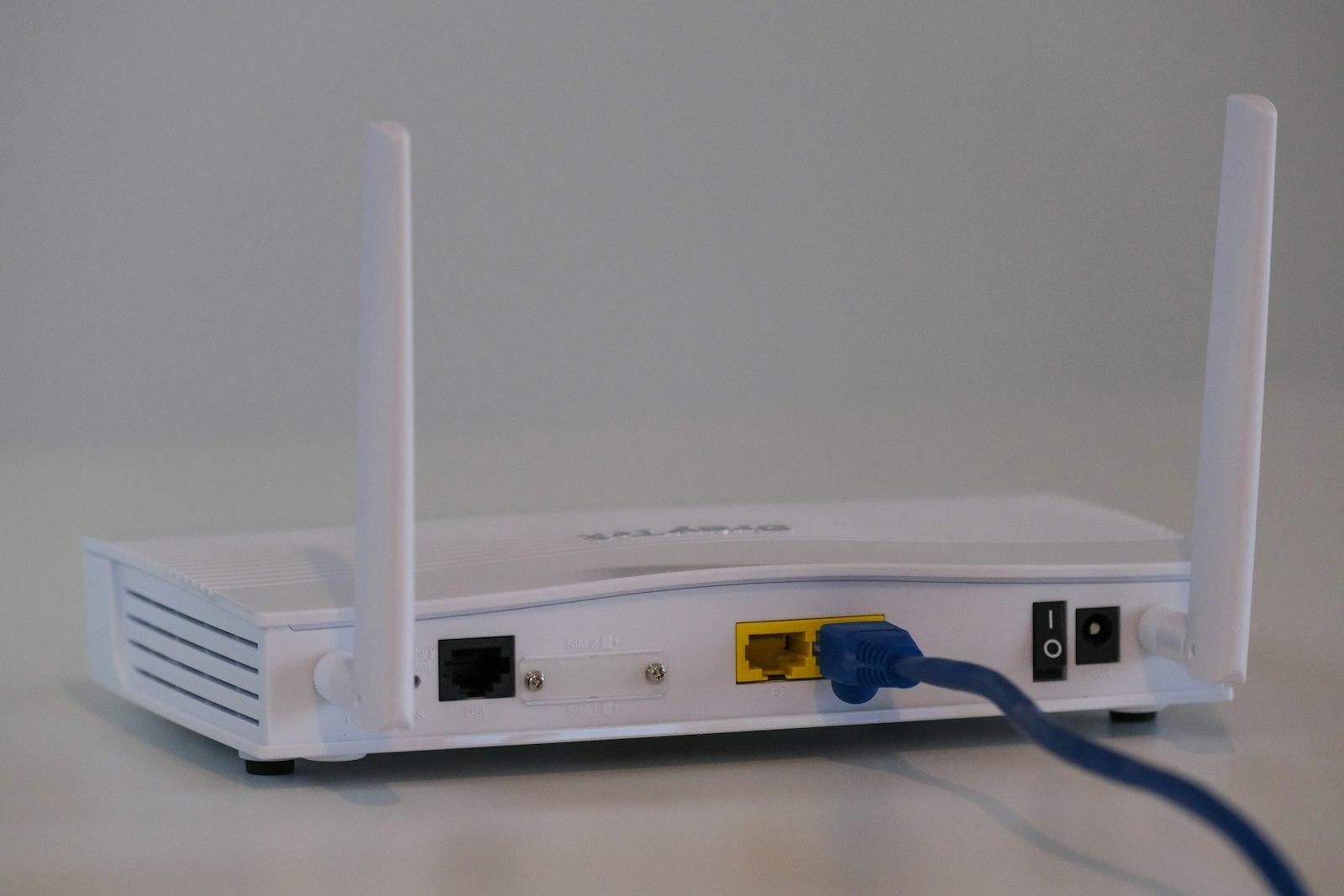
Wi-Fi dies in one room: router, mesh, or a cable
A new router in the corner of one room rarely covers a house or a shop. Here is how to tell a placement problem from a network that needs a wire.
Read the guide
5 min
Phone will not charge: cable, port, or battery
A phone that stays at the same percent is usually the cable, the charging block, or lint in the port. Five minutes of checking tells you which one, before anyone opens the phone.
Read the guide

4 min
Phone dies by the afternoon
A battery that used to last the day and now needs a charge at lunch is a worn cell. The phone already has a number for that. Read it, and leave the phone closed.
Read the guide
4 min
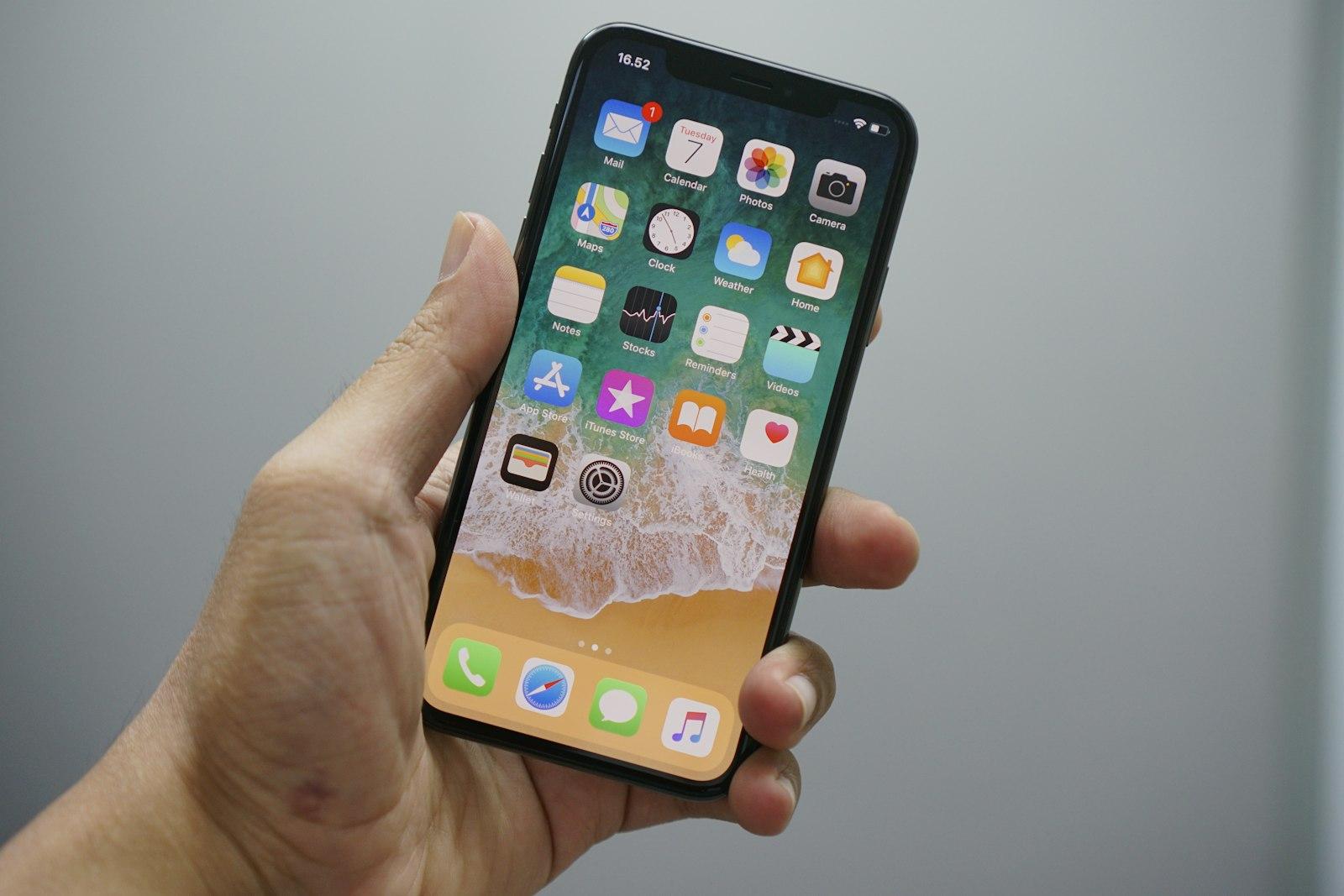
Phone got wet: power it off and skip the rice
Rice does not dry the inside of a phone. Power it off, leave the cable out, and have it opened. A price before that look would be a guess.
Read the guide

4 min
Cracked iPad: when a screen film will not fix it
A light scratch is cosmetic. A crack you can feel, or a screen that misses taps, is the panel. A film kit does not replace that part.
Read the guide
5 min
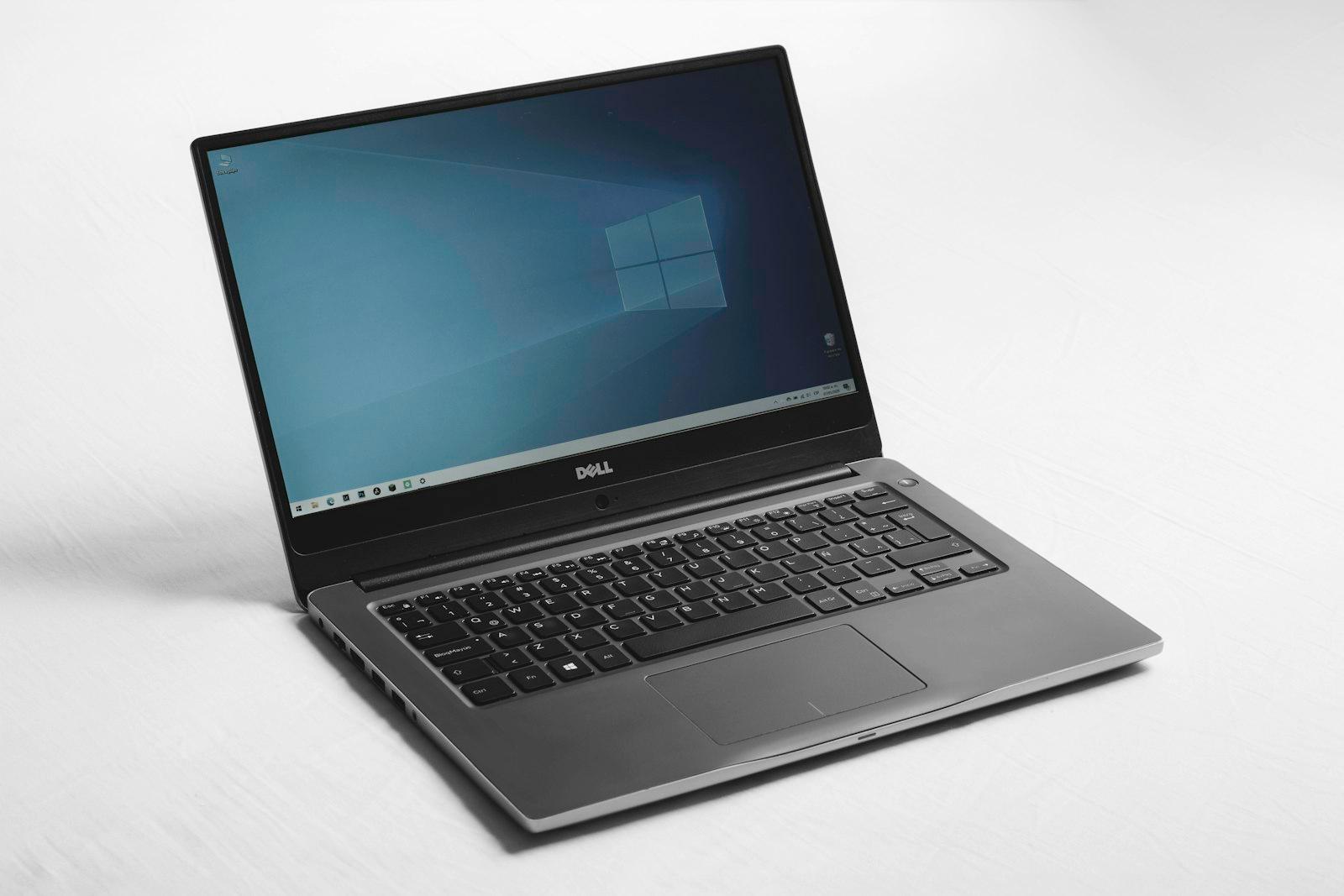
Laptop or desktop will not turn on
Check the outlet and the light on the charger before anyone opens the computer. If those are fine and the screen stays black, the next step is a visit.
Read the guide

4 min
A window says your computer is locked and shows a phone number
That window is the scam. Do not call the number, do not read anyone a code, and do not pay with a gift card. Close it, and book a cleanup if it comes back.
Read the guide

4 min
Moving files to a new computer
Leave the old computer on until you have opened the files on the new one. A transfer is a copy. Wiping the old machine first is how photos disappear.
Read the guide

5 min
Security camera shows nothing in the app
One camera down and every camera down are different faults. Check power and the Wi-Fi name before anyone climbs a ladder.
Read the guide

4 min
One register lane will not take cards
A dead lane is often the reader cable, the power, or the receipt printer. Check those before you reboot the whole shop in the middle of a rush.
Read the guide
5 min
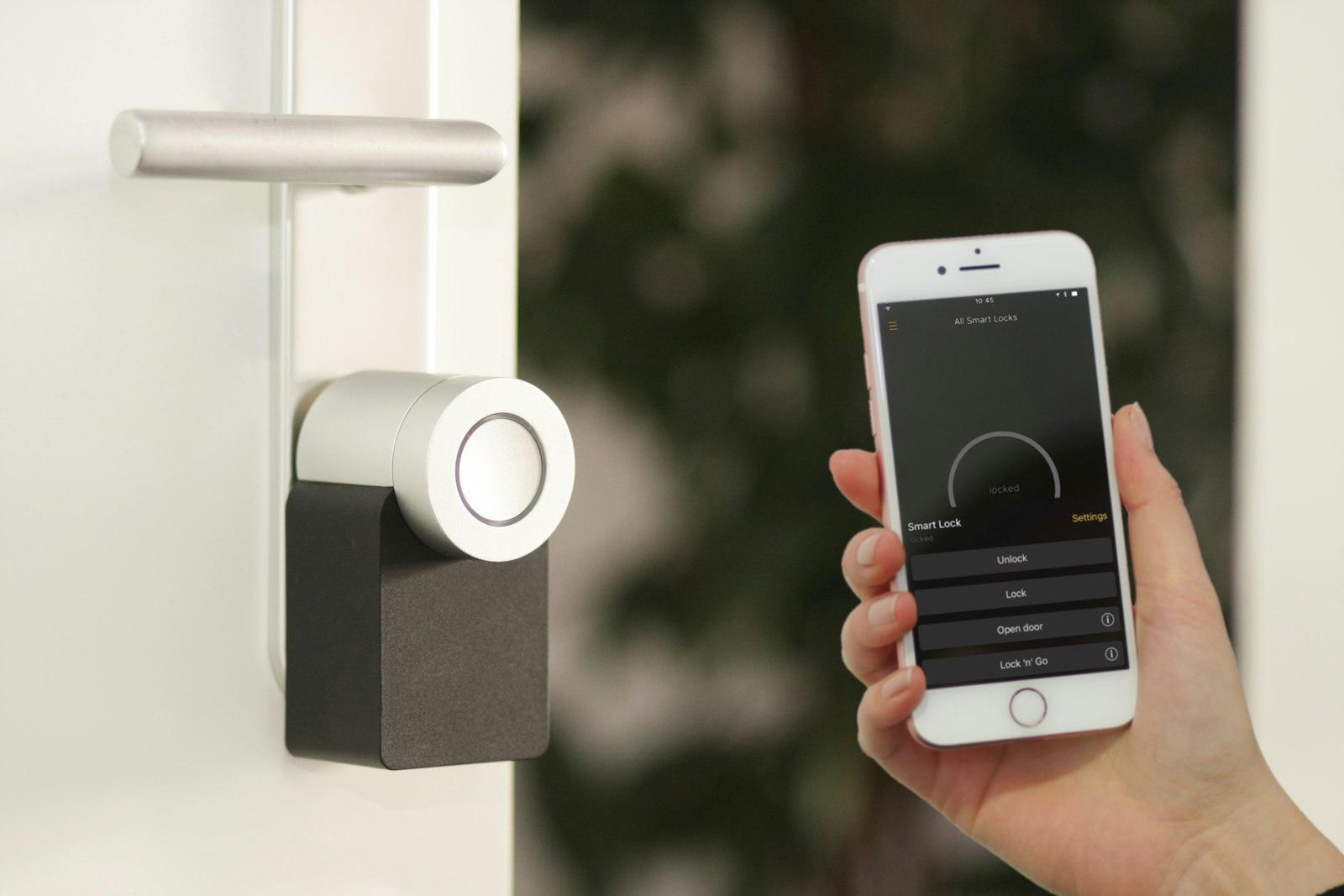
The shop still shares one key, or a fob went missing
A lost fob should stop opening the door the same day. If you cannot turn it off, or the whole staff uses one metal key, the door needs an access system.
Read the guide
Tell us the address. We'll hold a time.
You already know what's going on. Send the address and a time that works. The visit fee comes off if you go ahead.