



Loading the guide.
Whatever the tech issue, we've got you covered · Starting prices are on the site · $49 visit fee comes off if you go ahead
Whatever the tech issue, we've got you covered · Starting prices are on the site · $49 visit fee comes off if you go ahead
Loading the guide.
Guide · 4 min
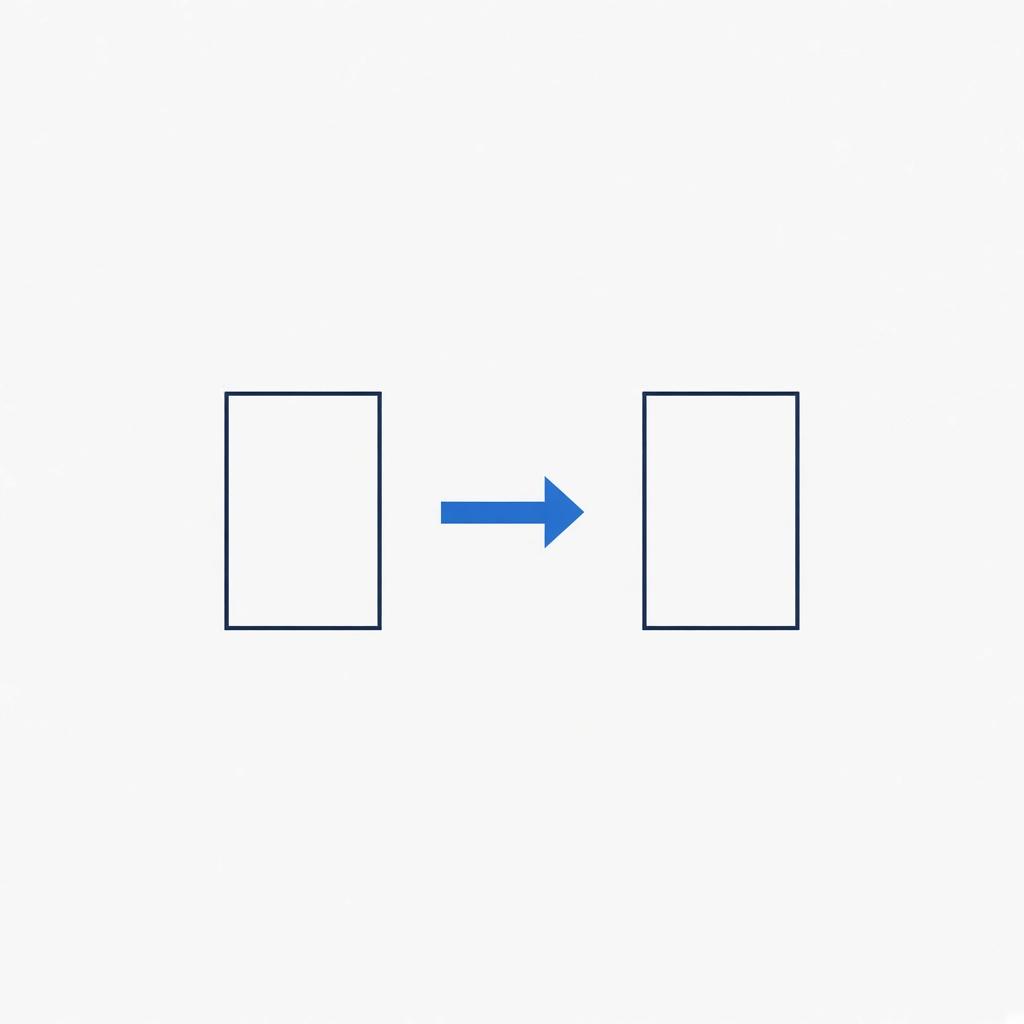
Leave the old computer on until you have opened the files on the new one. A transfer is a copy. Wiping the old machine first is how photos disappear.

Documents, photos, desktop files, and the folders you use. Programs are installed fresh on the new computer. A transfer copies files. It does not move a broken screen or a worn battery onto the new machine.
Email that lives on a website is already on the new computer once you sign in. Email stored only in an old app needs the copy.
Keep the old computer, the charger, and the password for the account you use. We copy, then you open a few files on the new computer while we are still there.
Wiping the old drive is a separate decision, made after that check. If you erase it first, there is nothing to copy.
Data transfer is $99. If the old drive is clicking or the copy keeps stopping, we will say so. A failing drive can lose files during the copy, and we do not promise a complete set from a drive that is already dying.
The work happens at your address. The $49 visit fee comes off if you approve it.
If those checks don't fix it, book the visit.
Most programs have to be installed again, with your own logins. The files those programs open are what the transfer carries.
Sometimes, by reading the drive directly. Tell us it will not power on when you book. If the drive itself has failed, we will say what can and cannot be read.
You already know what's going on. Send the address and a time that works. The visit fee comes off if you go ahead.