




We'll come to you
Data transfer
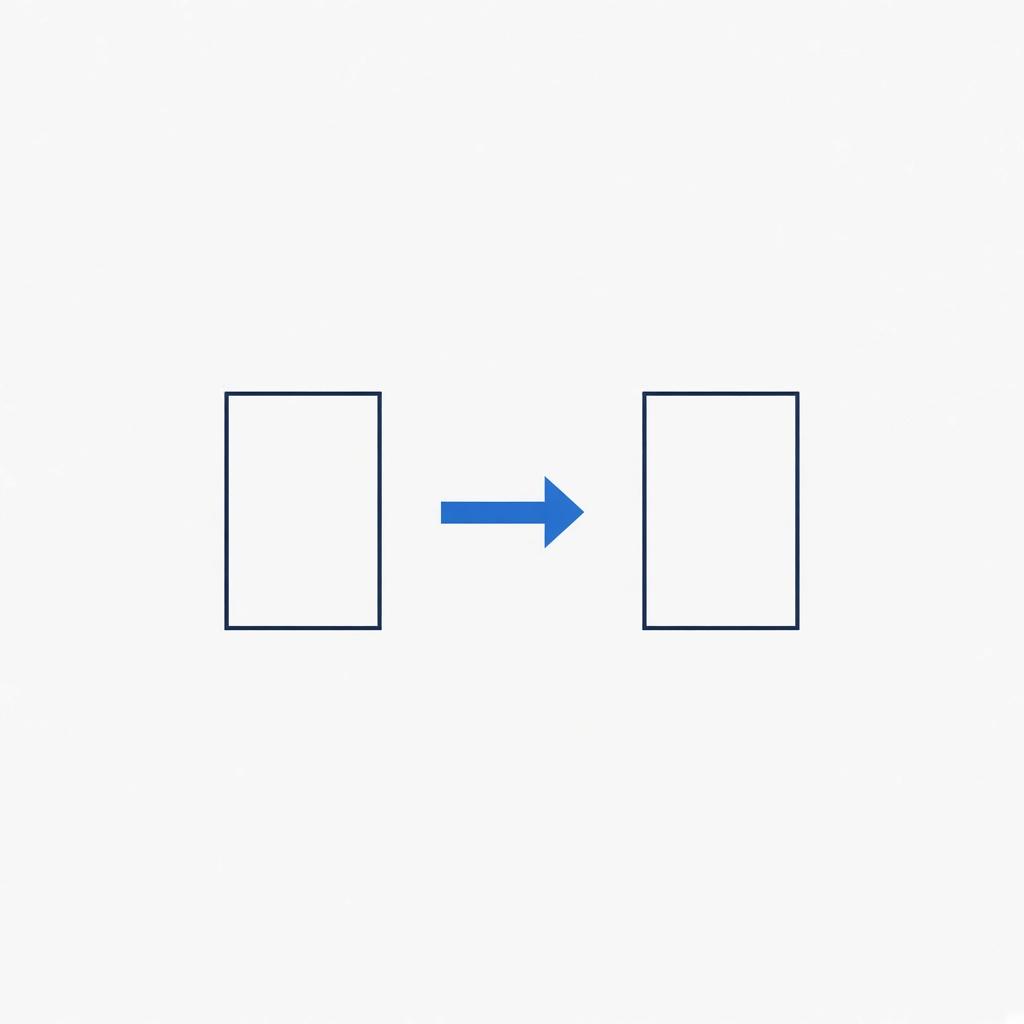
The new computer is set up, and the photos and documents are still on the old one. We copy them in person, at the desk.
The old computer stays intact unless you ask us to wipe it. If the drive is clicking, we'll tell you the copy may fail before we start.
Starting at $99
How the visit goes
01
Have both machines, if you can
The new computer and the old one, both with power. If the old one will not boot, say so. The copy may need the drive pulled.
02
We agree on the folders
Photos and documents are the usual set. Mail accounts are signed in by you. We do not take passwords home.
03
You open a file on the new computer
We do not call it done until a file you care about opens on the machine you will keep.
If this sounds familiar
- A new computer is set up and the old files are still on the old one
- You are replacing a laptop and do not want to lose the documents
- The old computer boots, but you do not trust yourself to pick the right folders
- You want the copy done while you watch
What's included
- Documents, photos, and desktop files
- Browser bookmarks you choose
- A check that the copy is readable on the new computer
- An external drive used when the old computer will not boot
- The old computer left intact unless you ask otherwise
Have this handy
Both computers, their chargers, and the passwords. An external drive if you already use one for backups.
See data transfer pricingQuestions
Not unless you ask. The transfer is a copy. Wiping the old machine is a separate decision, made after you have opened the files on the new one.
We try the copy and we tell you if the drive is dropping out. A failing drive can lose files during the copy. We do not promise a complete transfer from a drive that is already dying.
Book data transfer at your address.
Have both computers if you can. The copy is $99, and the visit fee comes off if you approve the work.