










We'll come to you
Computer upgrade
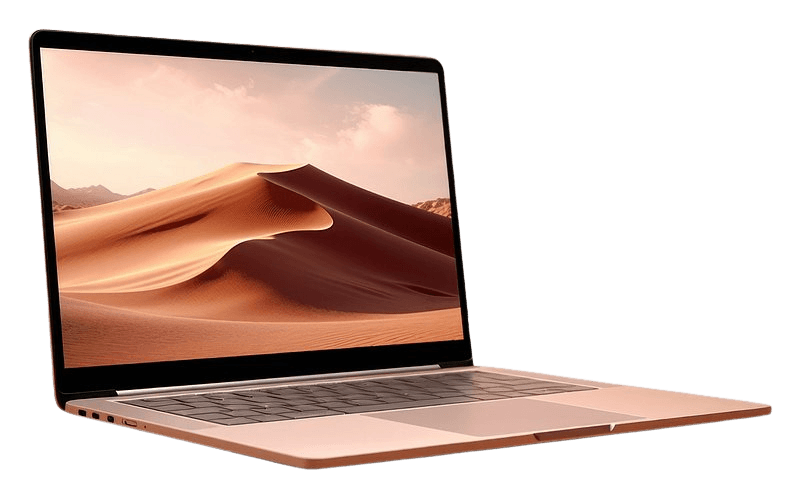
A cleanup didn't help, and the computer is still slow. Extra memory and a solid-state drive are the upgrades we install most often, where the computer already sits.
Labor is on the site. The drive or the memory is quoted for the exact machine, because a MacBook and a desktop don't take the same part.
Starting at $49
How the visit goes
01
Send the model
The year and model decide whether memory is replaceable. Some laptops have memory soldered down, and we will say so before the visit.
02
We quote the part
Labor starts at the published price. The drive or modules are quoted for the model.
03
Files come across when they can
A readable drive can be cloned. If it cannot, we stop and talk about what is still recoverable.
If this sounds familiar
- The computer is still slow after a cleanup
- The drive is nearly full
- You want files kept and the machine made usable
- A desktop needs more memory for the work it does
Start with the repair
What's included
- Memory upgrades where the machine allows them
- SSD install and a clone when the old drive still reads
- A fresh install when the old drive will not clone
- Desktop storage and memory
- A check that the machine boots on the new part
Have this handy
The computer, the charger, and the password. An external drive if you already bought the part.
See upgrades pricingQuestions
No. Published upgrade prices are labor. The drive or memory is quoted for your model.
No. Many recent laptops have memory soldered to the board. We check the model before scheduling an upgrade that the machine cannot accept.
Book computer upgrade at your address.
Tell us laptop or desktop and whether you need a drive or memory. Labor is published. The part is quoted.