



Loading the guide.
Whatever the tech issue, we've got you covered · Starting prices are on the site · $49 visit fee comes off if you go ahead
Whatever the tech issue, we've got you covered · Starting prices are on the site · $49 visit fee comes off if you go ahead
Loading the guide.
Guide · 6 min
A PlayStation 5 that beeps and shows a black screen is often the cable or the TV input. Here is how to tell that apart from a broken HDMI port before anyone opens the console.
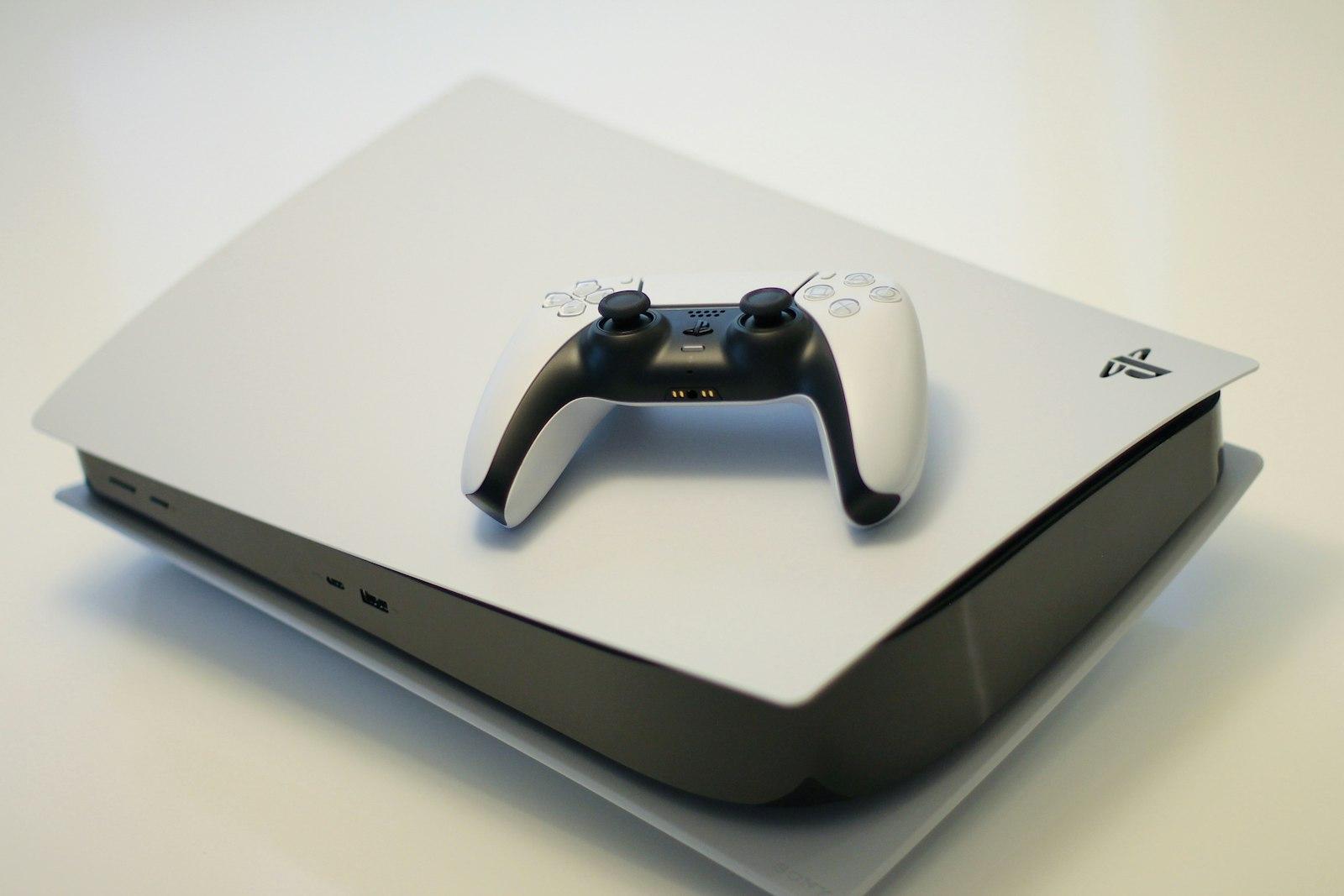
Turn the console on. If you hear the beep and the light comes on, the power supply is doing its job. The missing piece is the picture. That can be the cable, the TV input, or the port on the console.
Use a different HDMI cable, one you already trust from the TV or another device. Plug it into a different HDMI input on the same TV, then try a second screen if you have one. A cable with bent pins, a chewed jacket, or a loose plug is a finished diagnosis.
The port is the suspect when a known-good cable and a known-good screen still show nothing, or the picture only holds while you press the plug upward. A loose feel, a wiggling connector, or pins you can see bent inside the port are the same conclusion.
The HDMI port is soldered to the board. Bending those pins back with a needle, or opening the console to reseat the port, can tear the port off the board. That turns a port replacement into a larger repair. Stop at the outside of the console.
Sometimes the console and the TV both work and they fail to agree on a signal. Unplug the console and the TV from power, wait a full minute, and plug them back in. Confirm the TV is on the input you used. A TV that has not had a software update in a long time can also refuse a signal that another screen accepts.
If a different cable, a different input, and a power cycle restore the picture, you do not need a repair. If they do not, the visit is an HDMI port, not a settings puzzle.
FixRoute replaces PlayStation HDMI ports at the address. A PS5 HDMI port starts at $129 when that is the job, and the $49 visit fee comes off if you approve the repair. Saves stay on the console. HDMI work does not wipe storage.
Unplug the HDMI cable before you move the console. Carrying it while the cable is still attached is a common way the port breaks.
If those checks don't fix it, book the visit.
No. Try another cable and another HDMI input first. The port is the problem when a cable and a screen you trust still show nothing, or the picture only works when the plug is held in place.
Leave the pins alone. They are soldered to the board, and bending them can pull the port off. That is a larger repair than replacing a port that is still attached.
You already know what's going on. Send the address and a time that works. The visit fee comes off if you go ahead.