











Loading the guide.
Whatever the tech issue, we've got you covered · Starting prices are on the site · $49 visit fee comes off if you go ahead
Whatever the tech issue, we've got you covered · Starting prices are on the site · $49 visit fee comes off if you go ahead
Loading the guide.
Guide · 5 min
Check the outlet and the light on the charger before anyone opens the computer. If those are fine and the screen stays black, the next step is a visit.
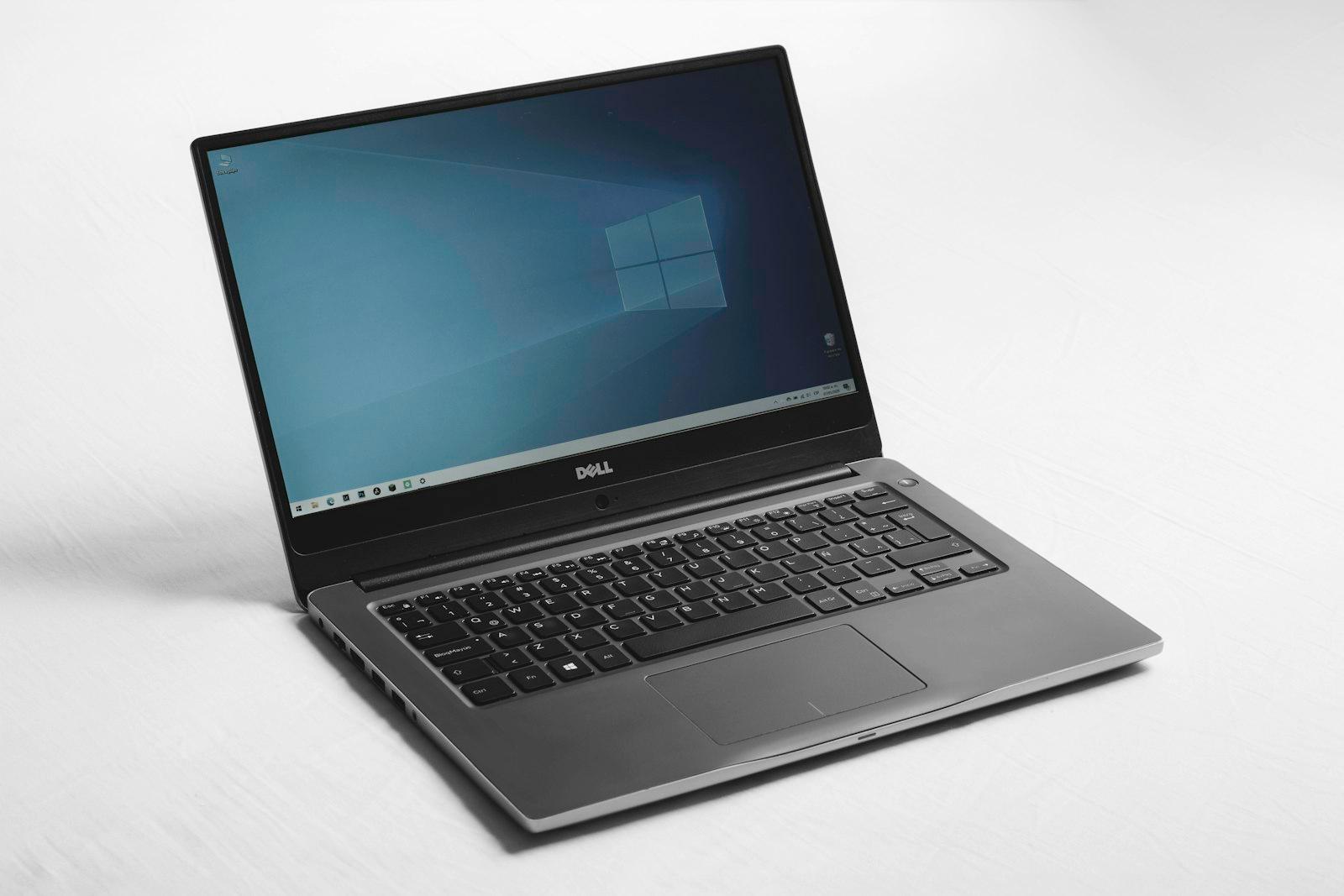
Plug a lamp into the same outlet. If the lamp is dark, the outlet is the fault and the computer can wait. On a laptop, look at the charger brick. Many have a small light that should be on when the brick is in the wall.
A dark brick on a live outlet is a bad charger. A brick for that exact model is the fix, and opening the laptop will not revive a dead brick.
Unplug the charger. Hold the power button for about ten seconds. Plug the charger back in and press power once. If the fans, keyboard lights, and screen stay dead, stop.
Do not open the bottom cover, and do not keep holding the button. A second hour of button-pressing does not change a board that is not getting power.
A desktop that will not turn on starts with a $49 diagnostic, so you are not buying parts before the fault is known. A laptop is priced from the model once we know whether it is the battery, the board, or the screen.
We do it at the desk where you use the machine. The $49 visit fee comes off if you approve the repair. If you decline after we arrive, the $49 is due.
If those checks don't fix it, book the visit.
That is closer to a display or a cable inside the hinge than a dead power supply. Tell us the fans or the lights came on. We price it from the model.
Only if you are sure of the model number on the brick. The wrong wattage is a wasted part. If you are not sure, we identify it on the visit.
You already know what's going on. Send the address and a time that works. The visit fee comes off if you go ahead.